Hey, friend—it’s Elizabeth Gomez here, your go-to digital creator who’s been knee-deep in the wild world of business tools for over five years. Picture this: Back in 2020, I was launching my first online course bundle, juggling email lists, student feedback, and a chaotic spreadsheet for expenses. It felt like herding cats while blindfolded. That’s when I stumbled into CRM and ERP, and honestly? They saved my sanity. If you’re a small business owner or side-hustle warrior staring at your laptop, wondering if these acronyms are worth the hype, I feel you. They’re not magic fixes, but they’re like that reliable friend who organizes your life just enough to let you breathe.
In this chatty guide, we’ll unpack CRM (customer relationship management) and ERP (enterprise resource planning) in plain English—no jargon overload. I’ll share what sets them apart, sprinkle in real stories from my journey, and help you figure out which (or both!) fits your vibe. You’re already taking a smart step by reading this—let’s make your business feel less like a puzzle and more like a cozy workflow.
What is CRM? Your Customer’s Best Friend in Software Form
Imagine CRM as the warm hug your business gives to every lead, buyer, and fan. At its core, customer relationship management software is all about tracking and nurturing those human connections that drive your revenue. It centralizes everything—emails, social chats, purchase histories—so you can personalize outreach without the guesswork.
Why does this hit different for beginners like you? Early on, I used a simple CRM to log webinar sign-ups and follow up with tailored tips. Suddenly, my open rates jumped 30%, and repeat enrollments felt effortless. It’s not just data; it’s empathy in action.
Key CRM Features That Actually Help
- Contact Management: One dashboard for all customer details—birthdays, preferences, past interactions. Tip: Tag «VIP fans» for exclusive perks; it builds loyalty fast.
- Sales Pipeline Automation: Visual stages from «curious lead» to «loyal advocate.» I automated reminders, cutting my chase time in half.
- Marketing Tools: Drip emails and segment lists based on behavior. Pro move: A/B test subject lines to see what resonates emotionally.
If your days are spent chasing replies or forgetting to thank supporters, CRM whispers, «I’ve got this.» It’s scalable too—start free with tools like HubSpot.
What is ERP? The Behind-the-Scenes Hero for Smooth Operations
Now, shift gears: ERP is like the quiet backbone keeping your business’s engine humming. Enterprise resource planning systems integrate your internal ops—think finance, inventory, HR, and supply chain—into one unified view. No more silos where accounting and stock don’t talk.
I didn’t touch ERP until my digital products scaled to include printables and merch. Tracking inventory across suppliers? Nightmare without it. One integration later, and I spotted overstock issues before they ate profits. For you, starting small, it’s less «enterprise» and more «essential relief» from admin chaos.
Everyday ERP Wins for Real People
- Financial Tracking: Real-time reports on cash flow and expenses. Honest insight: It caught a sneaky subscription fee for me—saved $200 a year.
- Inventory Management: Alerts for low stock or reorder points. Great for e-com hustlers avoiding «sold out» embarrassments.
- HR Basics: Simple payroll and team scheduling. If you’re solo, it still organizes your freelance gigs like a pro.
ERP shines when growth sneaks up—think seasonal spikes or team hires. Cloud options like Acumatica make it beginner-friendly and affordable. You’re not locked in; it’s flexible for dream-chasers like us.
CRM vs ERP: Breaking Down the Differences Side by Side
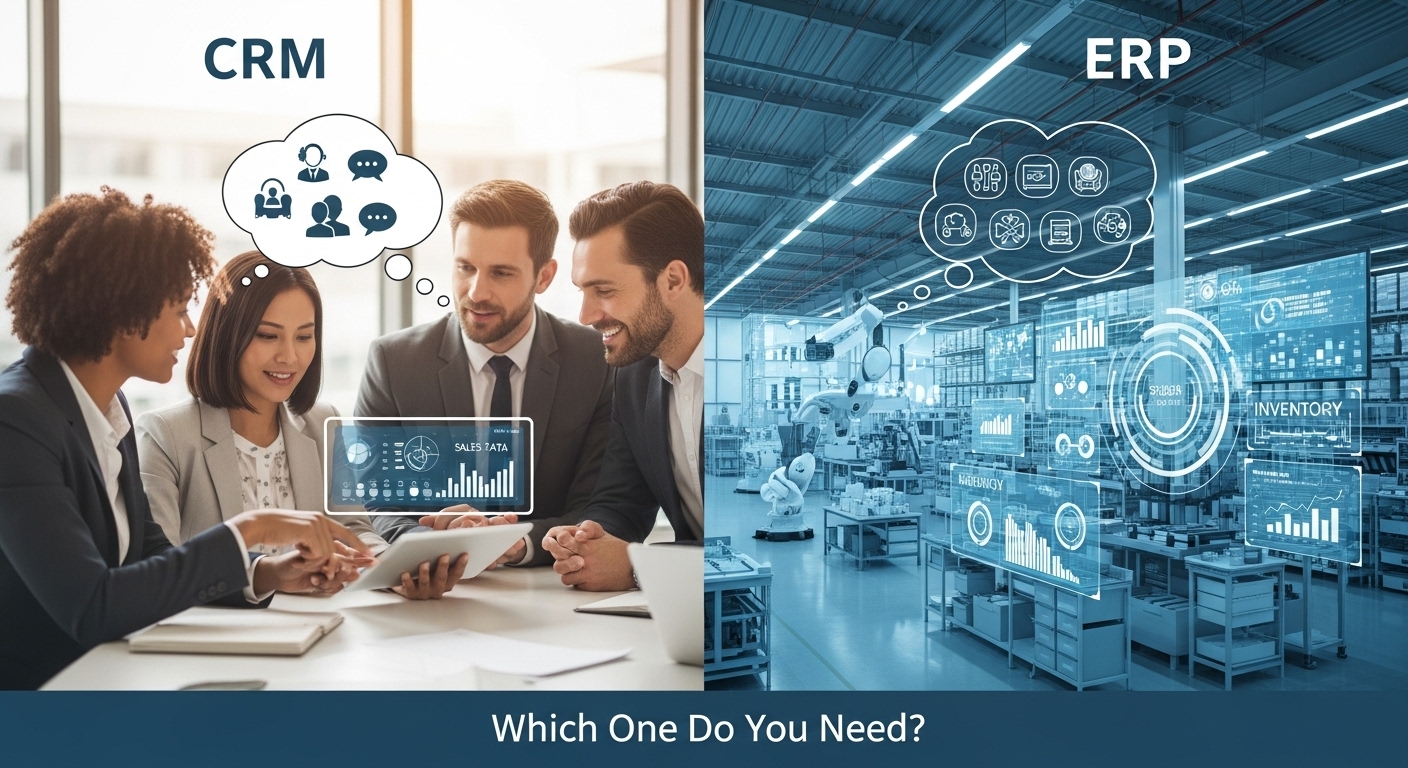
Okay, let’s get real—these aren’t rivals; they’re teammates with different plays. CRM looks outward to customers, fueling growth through relationships. ERP gazes inward, optimizing resources to cut waste and boost efficiency. Confused? You’re not alone; I once mixed them up and wasted a weekend on the wrong tool.
Here’s a quick comparison to cut through the fog (pulled from what pros are saying in 2025):
| Aspect | CRM (Customer-Focused) | ERP (Operations-Focused) |
|---|---|---|
| Main Goal | Build loyalty, automate sales/marketing | Streamline finance, inventory, HR |
| Who Uses It | Sales, marketing, support teams | Finance, ops, supply chain pros |
| Data It Handles | Customer interactions, leads, feedback | Internal metrics, stock levels, budgets |
| Big Win | Personalized experiences = higher retention | Real-time insights = fewer errors, cost savings |
| Cost for Small Biz | Free tiers to $20/user/month | $50+/user/month, but scales with need |
| Setup Time | Quick (days) | Longer (weeks), but worth it for complexity |
Stats to chew on: Businesses with CRM see 29% sales growth, while ERP users report 20% efficiency gains. Semantic SEO nudge: If you’re eyeing business management tools, think CRM for front-end magic and ERP for backend stability.
The overlap? Both automate tedium and centralize data. Integrate them (hello, Microsoft Dynamics 365), and you get a powerhouse—customer wins backed by solid ops.
Real-Life Stories: How CRM and ERP Changed the Game for Folks Like You
Let’s ditch theory—here’s the heart stuff. As Elizabeth, my CRM pivot turned flaky course sign-ups into a steady 40% repeat rate. But when merch launched? ERP integration flagged duplicate supplier orders, saving me $500 in one quarter. Emotional? Totally—I cried happy tears over reclaimed creative time.
You’re in good company:
- Sarah’s Boutique: Switched to CRM for personalized emails post-purchase. Result? 25% loyalty boost, per her shared story—now she’s sipping lattes instead of stressing stock.
- Mike’s Consulting Firm: Ignored ERP until team hit 10. Implemented for HR/payroll; cut admin by 35%, freeing hours for client deep-dives.
- Integrated Win: A construction biz used both to prioritize high-margin deals via CRM, backed by ERP’s resource tracking—profits soared without burnout.
These aren’t unicorns; they’re everyday shifts. If your gut says «revenue first,» lean CRM. Ops dragging? ERP’s your cheerleader.
Which One Do You Need? A Gentle Guide for 2025
Deep breath—there’s no «wrong» choice, just what fits your now. In 2025, with AI weaving into both (predictive leads in CRM, smart forecasting in ERP), small biz owners like you thrive by starting simple.
Quick Quiz to Spark Clarity
- Pick CRM If: Your pain is lost leads or meh engagement. It’s quicker to launch and revenue-focused—ideal for solopreneurs or sales-driven setups.
- Pick ERP If: Inventory glitches or financial fog keep you up. Better for scaling ops, especially if you’re manufacturing or multi-department.
- Dream Both?: Integrate early. Tools like Salesforce or Zoho bridge them seamlessly, aligning sales automation with inventory tracking software.
My honest nudge: Audit your week—what steals joy? Chase that fix first. You’re capable; one tool at a time builds momentum.
Practical Tips to Dip Your Toe In
- Assess Needs: List top 3 headaches (e.g., «forgotten follow-ups»). Match to features—free trials reveal fits.
- Budget Smart: Start under $50/month; cloud versions dodge big upfront costs.
- Train Gently: 15-min tutorials + a «sandbox» week. I role-played scenarios—made it fun, not forced.
- Secure It: Enable MFA and role-based access; peace of mind is priceless.
Encouragement alert: I botched my first setup (hello, duplicate data). Laughed, learned, leveled up. You will too.
Wrapping Up: Your Path to a Business That Flows
Whew—we’ve journeyed from acronym confusion to confident choices, right? CRM and ERP aren’t gatekeepers; they’re enablers, turning your passion into sustainable magic. Whether you’re nurturing customer bonds or streamlining the grind, picking the right business integration tool empowers you to create without chains.
Remember, friend: Growth isn’t a sprint—it’s your story unfolding. Start with a free CRM trial today if connections call you, or ERP demo for ops harmony. What’s your first move? Share in the comments; I’d love to swap tips.
For a bonus, snag my «Tool Picker Checklist» below—it’s helped dozens like you. Here’s to your smoother, brighter biz days.
With a virtual high-five,
Elizabeth Gomez
Digital Creator & Workflow Whisperer